
When I first decided to sell digital products, I spent many days reading comparison articles, watching YouTube videos, and bouncing between platform after platform without uploading a single file.
Gumroad or Payhip? Etsy or Sellfy? Free plan or paid? What about fees?
I was going in circles. And the worst part? Every article I found was either outdated or written for someone who alre
ady had a website and an email list.
If you’re a beginner searching for the best websites to sell digital products, this is the guide I wish I’d had. Quick answer first, full breakdown below.
Why Platform Confusion Hits Beginners So Hard
There are genuinely good platforms out there. That’s part of the problem.
When you’re new, you don’t have traffic, an audience, or experience with fees. Picking wrong can cost you money you don’t have, or waste months on a platform that doesn’t fit your product type.
The thing most beginners miss, the platform matters less than your product and your traffic source. But you still need a starting point that won’t slow you down or eat your profits.
The confusion usually comes from three places:
- Not knowing whether you need built-in traffic (marketplace) or not
- Not understanding how fees stack up as you grow
- Overthinking free vs. paid plans when you haven’t made a dollar yet
Four Questions to Ask Before You Pick Anything
Don’t sign up anywhere until you answer these:
- Do I have an audience? If yes, a standalone store works fine. If no, a marketplace gives you traffic you don’t have to build.
- What’s my budget? Most platforms have free tiers. Paid plans make sense after you’re making consistent sales.
- What am I selling? Templates and printables sell well on Etsy. Courses and ebooks do better on Gumroad or Payhip.
- How much will fees cost me at scale? A 10% fee on $10,000 in sales is $1,000 gone. It adds up faster than you think.
Get clear on these first. Then pick a platform.
15+ Best Websites to Sell Digital Products for Beginners
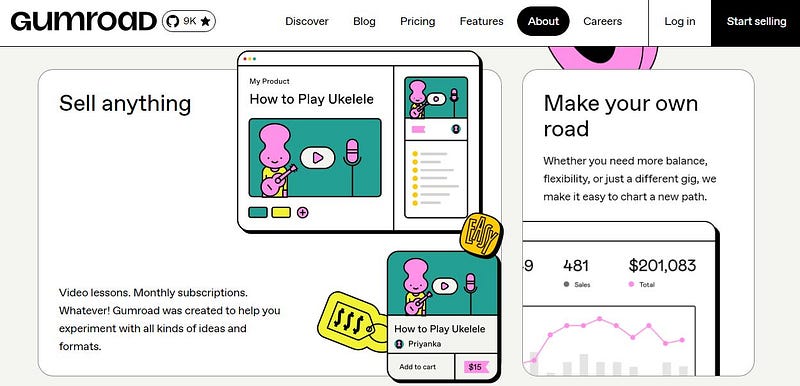
Gumroad (Best for Total Beginners)
Gumroad is the fastest way to go from zero to selling. You can create an account and upload your first product in under 30 minutes. The free plan charges around 10% per sale, which feels steep but is manageable when you’re just starting out.
Pro: Dead simple setup. No tech knowledge needed. Con: No built-in marketplace. You bring the traffic. Best for: Ebooks, guides, and anyone who wants to start today.
Payhip (Best for Keeping More of Your Money)
Payhip’s free plan charges only 5% per transaction, half of what Gumroad takes. For higher-priced products, that difference adds up fast. It handles ebooks, courses, templates, software, and memberships all in one place.
Pro: Lower fees, flexible product types, built-in affiliate tools. Con: Smaller community and fewer tutorials than Gumroad. Best for: Beginners who are fee-conscious and selling mid to high-ticket products.
Etsy (Best for Built-in Traffic)
Etsy has over 90 million active buyers. If you’re selling visual digital products like Canva templates, printables, planners, or digital wall art, Etsy gives you access to buyers already searching for what you sell.
The fees sit around 6.5% transaction fee plus a $0.20 listing fee per item. You’re paying for traffic you’d otherwise have to build yourself. That’s a fair trade for most beginners.
But here’s the catch: Etsy is competitive. Good thumbnails, smart keywords, and patience are non-negotiable.
Pro: Massive built-in audience, trusted brand, no website needed. Con: Competitive, fees add up, algorithm takes time to reward new sellers. Best for: Printables, Canva templates, digital planners, and visual products.
Ko-fi (Best Free Option With Zero Fees)
Ko-fi’s free plan charges 0% on one-time product sales. That’s genuinely rare. It’s not as polished as Gumroad, but if you want to test a product with zero cost and zero risk, Ko-fi is hard to beat.
Pro: No fees on the free tier, simple setup. Con: Limited features on the free plan, smaller buyer community. Best for: Beginners who want to test a product before committing to a paid platform.
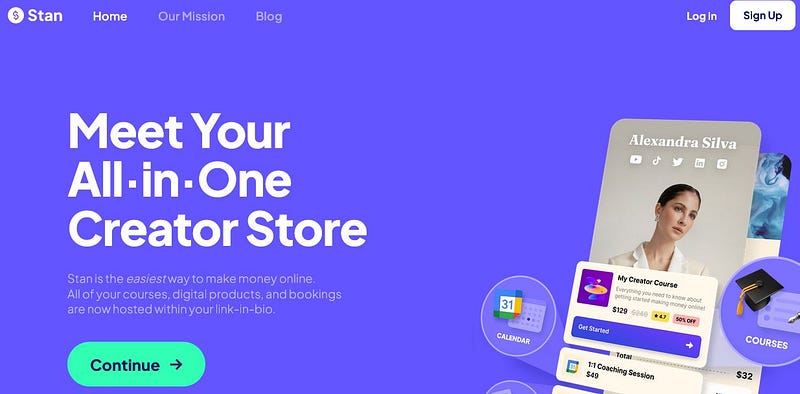
Stan Store (Best for TikTok and Instagram Creators)
Stan Store lives in your link in bio and lets buyers check out in one tap. If your whole business runs through your phone and your audience is on TikTok or Instagram, this is built exactly for you.
Pro: Mobile-first, one-tap checkout, great for social sellers. Con: Monthly fee, only worth it once you have consistent traffic. Best for: Social media creators who want to go from post to payment fast.
Systeme.io (Best Free All-in-One Tool)
This one surprises most beginners. Systeme.io is free forever on its base plan and combines a store, sales funnel builder, and email marketing list in one place. It’s the closest thing to a full business setup at zero cost.
Pro: Free email list included, no transaction fees, funnel builder built in. Con: Steeper learning curve than Gumroad or Payhip.
Best for: Beginners who want a free email list and a simple sales funnel from day one.
Podia (Best for Growing Into Courses)
Start with a simple digital download today, then expand into webinars or full courses later without switching platforms. Podia keeps everything in one place and doesn’t charge transaction fees on paid plans.
Pro: All-in-one, no transaction fees, clean interface. Con: Monthly cost is higher than most beginner options. Best for: Beginners who know they want to build a course or membership eventually.
Shopify Starter Plan (Best for Social Selling)
Most beginners think Shopify is too expensive. The Starter plan is actually very affordable and lets you sell through Instagram, TikTok, and WhatsApp without building a full store. You just share a product link.
Pro: Trusted brand, great for social selling, easy payment setup. Con: Monthly fee plus transaction fees unless you use Shopify Payments. Best for: Beginners who want to sell through messaging apps and social media.
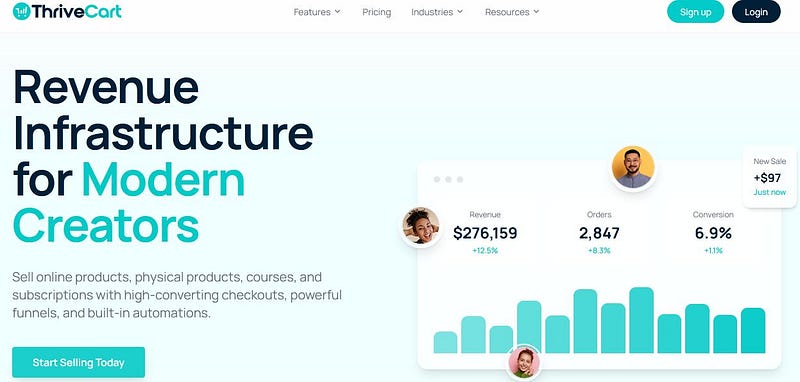
ThriveCart (Best for Avoiding Monthly Fees Long Term)
ThriveCart has a higher upfront cost but it’s a one-time payment, not a monthly subscription. For anyone planning to sell consistently for a year or more, it saves real money compared to platforms charging every month.
Pro: Pay once, keep forever. Strong checkout and affiliate tools. Con: The upfront cost feels big when you’re just starting. Best for: Beginners with a small starting budget who hate recurring fees.
Sellfy (Best for Video and Subscription Products)
Sellfy handles digital downloads, print on demand, and subscriptions in one place. It’s clean, beginner-friendly, and good for creators who want to sell video files or recurring memberships.
Pro: Handles multiple product types, built-in marketing tools. Con: Monthly fee, no free plan with full features. Best for: Video creators and anyone selling subscription-based content.
Lemon Squeezy (Best for Handling Global Taxes)
Lemon Squeezy acts as the merchant of record, meaning it handles sales tax and VAT across different countries automatically. For beginners selling internationally, that’s a huge headache removed.
Pro: Tax compliance handled for you, clean checkout experience. Con: Transaction fees apply, smaller platform than Gumroad or Etsy. Best for: Beginners selling software, templates, or digital tools to a global audience.
Creative Market (Best for Designers With No Audience)
Creative Market is a curated marketplace for design assets, fonts, templates, and graphics. Buyers come to the platform already looking for design resources, so you get traffic without building a following.
Pro: Built-in design-focused audience, trusted marketplace. Con: Application process, competitive, and Creative Market takes a cut. Best for: Designers selling fonts, UI kits, templates, or graphic assets.
Creative Fabrica (Best for Craft and Font Sellers)
Creative Fabrica is similar to Creative Market but focuses heavily on craft files, SVGs, fonts, and clipart. It has a massive buyer community in the crafting niche specifically.
Pro: Huge niche audience, great for craft-related digital products. Con: Very specific niche, won’t work for ebooks or courses. Best for: Designers selling SVGs, craft files, fonts, or clipart.
Teachers Pay Teachers (Best for Educational Content)
If you create lesson plans, worksheets, study guides, or educational resources, Teachers Pay Teachers puts you in front of millions of teachers actively looking to buy. It’s one of the most targeted marketplaces on this list.
Pro: Highly targeted audience, strong buyer intent. Con: Niche-specific, only works for educational products. Best for: Teachers, tutors, and educators selling learning resources.

AppSumo (Best for High-Value Products With Big Exposure)
AppSumo isn’t for simple ebooks or printables. But if you create a polished template bundle, a digital tool, or a niche resource for entrepreneurs and marketers, listing on AppSumo puts your product in front of a huge buying audience fast.
Pro: Massive exposure, audience of entrepreneurs ready to spend. Con: AppSumo takes a significant cut and the application takes time. Best for: Creators with a high-value, business-focused digital product.
SendOwl (Best for Automation and Drip Delivery)
SendOwl handles digital product delivery with automation, drip content, and affiliate management built in. It’s not the flashiest platform but it’s reliable and works well for sellers who want more control over how products are delivered.
Pro: Strong automation, drip delivery, affiliate tools. Con: Monthly fee, less beginner-friendly than Gumroad or Payhip. Best for: Sellers who want automated delivery and affiliate tracking from day one.
The Reality Nobody Talks About
Free plans are great for starting. But they all come with real limits.
Gumroad’s 10% fee hurts once you’re making real money. Etsy’s algorithm can suppress new listings for months. Payhip’s free plan skips some advanced features. Stan Store only makes sense if you already have social traffic. And none of these platforms will send you buyers on their own.
The biggest beginner mistake? Spending weeks setting up a perfect store and then wondering why nobody’s buying.
Traffic is the actual problem. Your platform is just the checkout page.
Start Selling in the Next 24 Hours
Follow this in order:
- Pick one platform today. No audience? Start with Etsy or Creative Market for built-in traffic. Have social media followers? Start with Gumroad, Payhip, or Stan Store.
- Upload your first product within 24 hours. A simple Canva template or short ebook is enough. Done beats perfect every time.
- Pick one traffic source and post something today. TikTok and Pinterest both drive real traffic to digital product stores. One short video or five keyword-optimized pins is a real start.
One platform. One product. One traffic source. That’s the whole plan.
Final Words
I spent two weeks in research mode before I sold anything. That was two weeks of zero income and zero feedback from real buyers.
The best way to learn which platform works for you is to actually use one. Fees, traffic, and features only matter once you’re in the game.
The platform doesn’t make you successful. Your product quality and your consistency do.
Pick one from this list and go.
Disclaimer: This article may contain affiliate links. If you purchase through them, I may earn a small commission at no extra cost to you.


)
0 Comments